Posts

Showing posts with the label mind mapping

Maximizing your Teaching in the Classroom with MindMeister
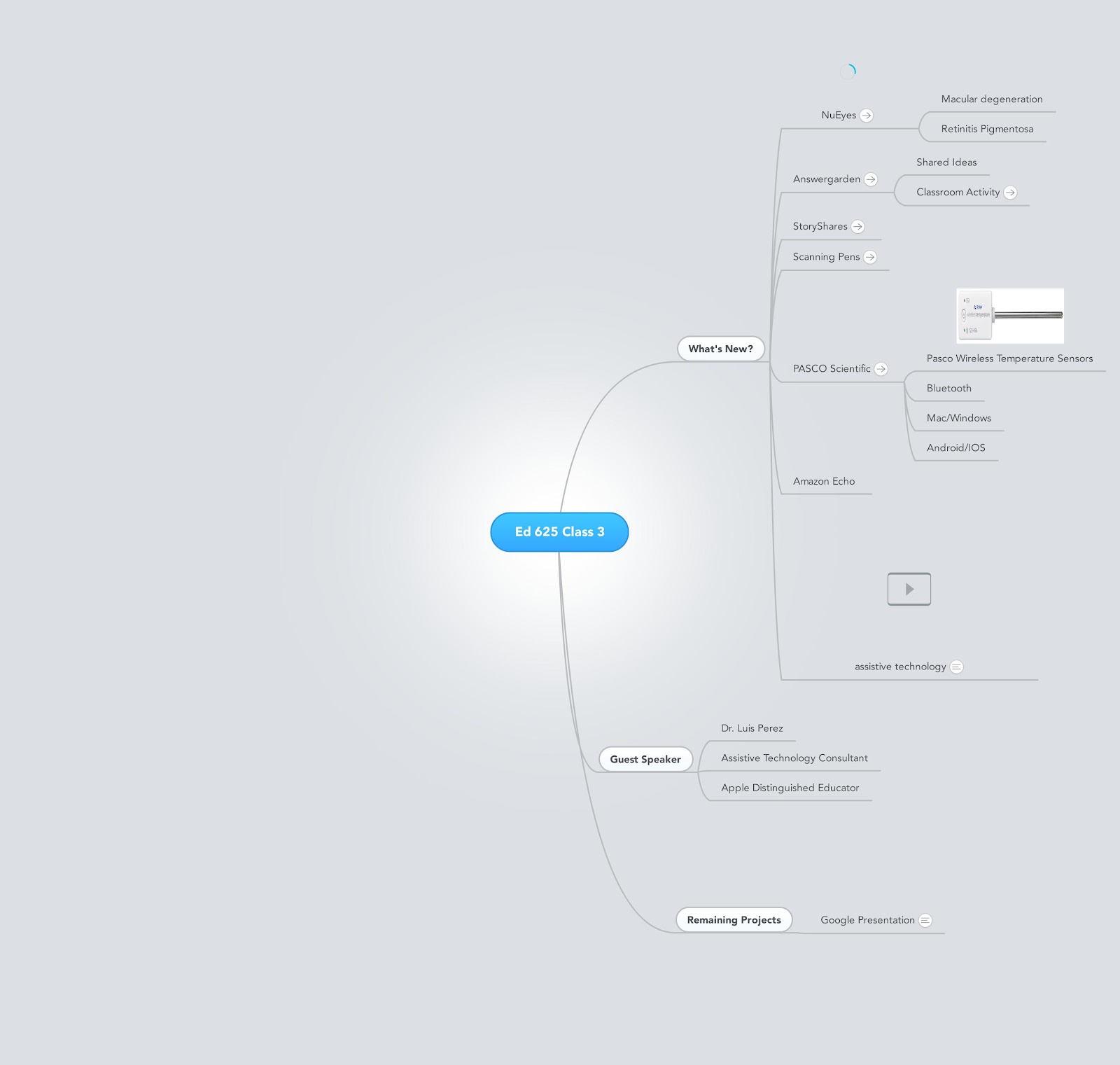
Image
During my career as a professor and assistive technology consultant which has spanned over 30 years, I have seen the many benefits of providing students with visual and graphical supports to help them understand material. As much as students have benefited from the use of mind maps and graphic organizers, I would have to say that if anyone has derived benefits from  using these tools, it has been me. Early on in my teaching career, as a Professor of Education, I needed to come up with a strategy to deliver content to my students in the classroom that could provide a quick way to attach documents, notes, and links to web sites. As I was reflecting on this need, I quickly realized that I could use MindMeister to help me organize my in-class lectures and resources. MindMeister could provide me with a very fluid and powerful way to organize my lectures and provide my students with the resources that they would need for class. MindMeister provided me with a set of tools that would make ...

Introducing MindView AT

Image
I have been using MindView for years and is one of my favorite mind mapping applications. I use it to brainstorm ideas, plan workshops and for writing structured  proposals and documents. For some time now Matchware has been working on an assistive technology edition that has lots of great features. These include: text-to speech, high contrast, integration with TextHelp Read & Write 9 Gold and Dragon Naturally Speaking. If you are interesting in learning more about Mindview AT they are holding a FREE webinar on May 12, 2016 at 11:30 am - 12:00 pm EDT which you can register for by clicking on this LINK . MIndView is an exceptionally designed mind mapping application that has lots of great features to meet the needs of students who need the built-in supports. 

MindView 6 from Matchware- Solid Upgrade

Image
When I heard that Matchware was releasing MindView 6, I was excited to find out its new feature set and how it would help me to do my work. For the past several years I have been using MindView 5 to craft my very structured consulting reports that I deliver to the schools that I work with. Over the years I have developed some templates that really have helped me to communicate ideas in a very clear fashion. One of the chief reasons that I go back to MindView time and time again is because I have always found that MindView has some of the best Microsoft Office integration when exporting mind maps to Word, Excel and PowerPoint. The timing of the release for MindView 6 could not have been any better for me since I needed to complete a Request for a Proposal (RFP) for an assistive technology grant that the state was offering. I decided that I would test out the capabilities of this version by using MindView 6 to write up the proposal and estimate the costs for the proposed project. MindVie...

From ConceptDraw MINDMAP 7 to Evernote- Seamless!

Image
With each passing day, I am finding that Evernote is becoming a bigger part of my workflow and it is exciting to see how developers of other applications are taking advantage of this. Just today CS Odessa released an update to ConceptDraw MINDMAP 7 that seamlessly allows you to upload your mind maps to Evernote with a click of a button. If you have the Evernote application installed on your computer the upload takes place in the background and within seconds your outline and mind map are transferred to Evernote. For those of you who don't have the Evernote application, you can send your mind maps via an email client that you have installed on your computer. Since the Evernote application is free, I would highly recommend that you install it on your computer so that you can have this seamless experience uploading your mind maps to Evernote from within ConceptDraw MINDMAP 7. Watch the video below to see the Evernote options that are built-in to ConceptDraw MINDMAP 7 .

Inspiration Maps for the iPad- Simply Brilliant!

Image
If you follow my blog then you know that just how important using mind mapping and graphic organizers is to me. I can remember seeing a demo of Inspiration 2.0 for the first time at an educational technology conference some time ago, and when I watched the view change from graphic organizer to outline view with a click of the mouse if was a real epiphany. From time on I was a changed man, and have been using Inspiration ever since, in the work that I do with students with learning disabilities. It is always really exciting for me to work with teachers and watch them as I demonstrate how to use Inspiration in the classroom. As soon as I teach them the basics you could see the lights go on as they are thinking of all the ways they could use it in the classroom. As schools begin to transition to a "post PC" world it was great that late last spring that Inspiration announced the release of  Inspiration Maps for the iPad. Inspiration Maps brings the best of wha...

Matchware Releases MindView 5

Image
Without a lot of fanfare Matchware has recently released MindView 5, one of the leading mind mapping tools in the marketplace. Matchware, taking the lead from its customers, spent a great deal of time improving on the feature set of MindView in this current release. MindView 4 users will feel right at home using the latest version, knowing that the core of the product didn't change all that much. While some of the changes are rather subtle, make no mistake about it, they add a great deal of value to the existing application. While I intend to do a more in-depth review of the recent release, I want to highlight a couple of features which make the latest release of MindView 5 a great tool for students and those with disabilities. Matchware over the years has made inroads with their mind mapping products to schools and has always had a keen interest in meeting the needs of students with learning disabilities. It is not everyday that a company considers incorporating the...

CS Odessa Launches Skype Integration for ConceptDraw MINDMAP v7

Image
CS Odessa has really been on a roll lately releasing new and innovative solutions to ConceptDraw MINDMap V 7. Two weeks ago they released a solution that allows anyone who has an Evernote account to quickly upload  ConceptDraw MINDMap V 7 maps to the cloud. Evernote is unique service and one that I have been using for years. A basic Evernote account is free and is accessible from just about any device that is connected to the web. Students who need a digital hub will find Evernote to be invaluable. Now with the capability to add your  ConceptDraw MINDMap maps to Evernote, all the more reason to use the tool for note-taking, brainstorming and for  studying. As if this wasn't enough CS Odessa just today launched the Remote Presentation for Skype Solution that enables teams to present their information with  ConceptDraw MINDMap V 7 over the web utilizing Skype. I had a chance to try it out today with Olin Reams, Sales & Marketing Director...

XMind Integrates Websummarizer Technology

It is really exciting to see how companies can work together to bring their technologies to the marketplace. XMind has been working closely with Context Discovery to bring summarization tools to their mind mapping application. I have to give credit to XMind for thinking outside of the box and giving prospective users the ability to quickly summarize information right from within XMind Pro. The integration is seamless and now this new feature gives users the opportunity to summarize key words as well as websites based on the URL. The Websummarizer plug-in is tightly integrated into XMind and delivers fast and efficient summaries of information sitting in Wikipedia. Websummarizer can be used with the following languages: English, French, German, and Spanish. I have created a short video to show you how XMind has integrated the Websummarizer into their mind mapping application. Your feedback and comments are welcome.

ConceptDraw Mindmap- Great Tweeting Tool

Image
One of my favorite features in  ConceptDraw Mindmap is the ability to plan out my tweets for Twitter. Using a simple mind map, I can structure the map by the week and add my tweets. When I'm ready to send the tweets it is as easy as going to the toolbar and pressing the Tweet button. Using ConceptDraw Minmap I can get a perspective on my tweets, and better yet it even shortens attached URL's. If you are planning a tweet campaign you should really take a look at  ConceptDraw Mindmap to help you strategize and deliver your tweets. ConceptDraw Mindmap gives you the option of tweeting the topic, map or screen which is a nice touch. The only thing I would like to see developed in ConceptDraw Mindmap is a feature by which you could set each of the tweets to be sent on a specific date and time. Happy tweeting with  ConceptDraw Mindmap .

Are You Thinking About a Mindmapping Conference?

Image
It has been a number of years since I had initiated putting together a mind mapping conference here in New Jersey, and today I was talking to my good friend and visual mapper Wallace Tait about the possibility of setting up a mind mapping conference so that we convene and share ideas. With the economy in its current state we need to bring innovation and ideas to the work that we do whether it is in the public or private sectors. What better way to  kick-start this year then by planning to convene interested participants who want to explore how we can put mind mapping to use in the work that we do. I have spoken to Wallace about the idea for an Unconference -whereby we pick a time and place and build the agenda the day of the conference based on your needs. This model has worked really well in the educational marketplace and is one that could work well for us. At the Unconference we could learn about new and innovative ways that people are using mind mapping in the w...

Using Websummarizer to Summarize Information

I have been a big fan of Wikisummarizer and have watched the evolution of this service from Context Discovery. Just this past week Context Discovery released their new service Websummarizer which lets anyone summarize the content of a web page. I took the liberty of using Websummarizer to summarize my last post so that you can see how powerful this tool is. Because of some of the constraints of Blogger it is hard to view the contents of the nodes-but to see for yourself and try out Websummarizer click here . I am very interested in learning how you might use Websummarizer in the work that you do?

Using Mindmaping Tools in the Writing Process

Image
Over the years I have written countless articles about how I use mind mapping in the work that I do, but one of the areas which may be overlooked is in the writing process. As part of my consulting business I am often asked to write project proposals for new work as well as status updates on projects that I may be working on. While man of us may be inclined to open up Microsoft Word and start writing, I have always found it easier to structure my thoughts using mind mapping software. As part of the process, having the ability to brainstorm what I am going to include is a natural using mind mapping software. Having the ability to move my ideas around the mind map helps me to organize my ideas and structure the content that I will include in my final report. Once I have completed the brainstorming phase, I move the ideas around the map until I am satisfied with the content. Next, I begin to attach notes to my topics to flesh out my ideas. The notes will serve as the content...

NoteControl - Taking Charge of Your Resources

Image
With information coming at us at a frantic pace it is no wonder that we can quickly become overwhelmed. This is especially true for students who have a need to curate their notes and sources when writing research articles. Life was a lot easier for me when I was in school, there were simply books and journals, that I used to cite my works. Today students are faced with the myriad of Internet sources, books, journals, podcasts, and multimedia to keep account of when doing research. In this light, Matchware, recently released a new product NoteControl aimed at students to help them collect, collate, and sort notes when doing a written research paper. The coup de grace is the ability of NoteControl to output a perfectly formatted bibliography in many accepted and recognized formats (ie APA, MLA, Harvard to name a few.). The premise of the program is quite simple-you create a notebook and then use the space to capture all of your notes which can include: Text, Pict...